◆ Cricut · Design Space
Name necklace SVG for Cricut - connected letters, no loose pieces
Cricut machines cut with blades, not beams - which makes connected, single-piece name designs even more important: every disconnected letter is a piece you have to weed, place and align by hand. GemTheName generates any name as one welded outline that uploads to Design Space as a single clean layer.
✦A digital product: you instantly receive laser-ready cut files (SVG + DXF) - not a finished necklace.
Ready-made designs that upload clean
Browse the library →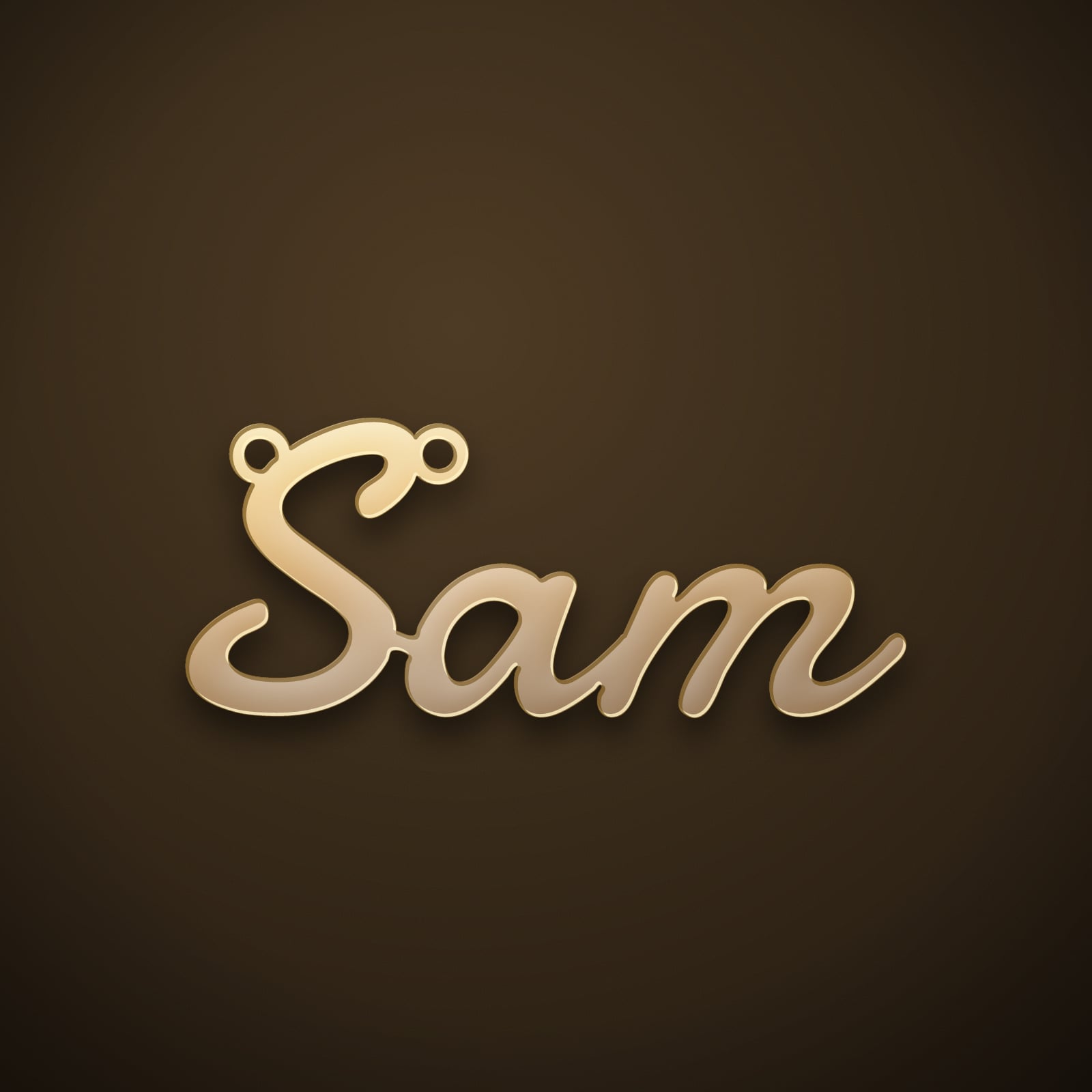
✓ Single piece · SVG + DXF + mockups
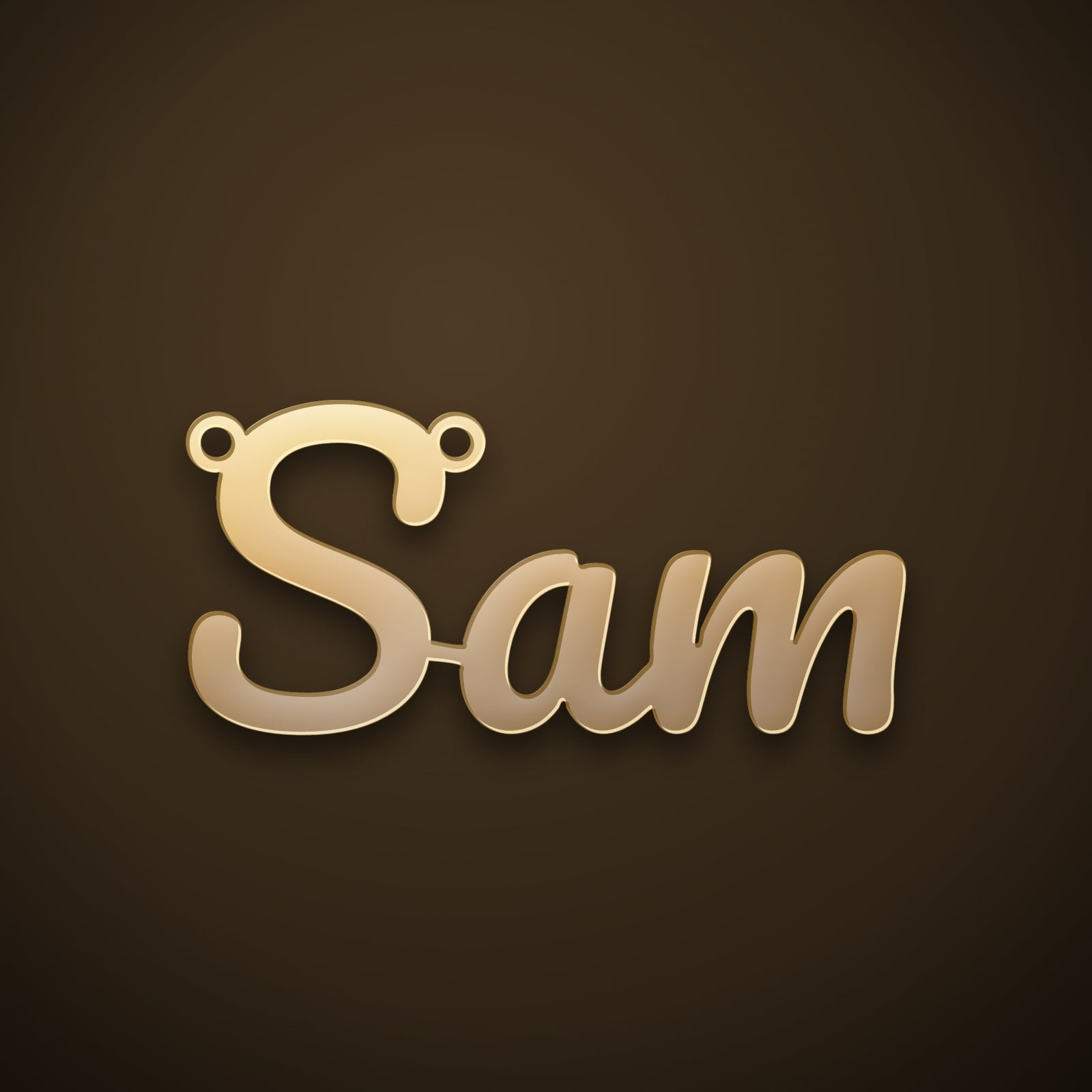
✓ Single piece · SVG + DXF + mockups
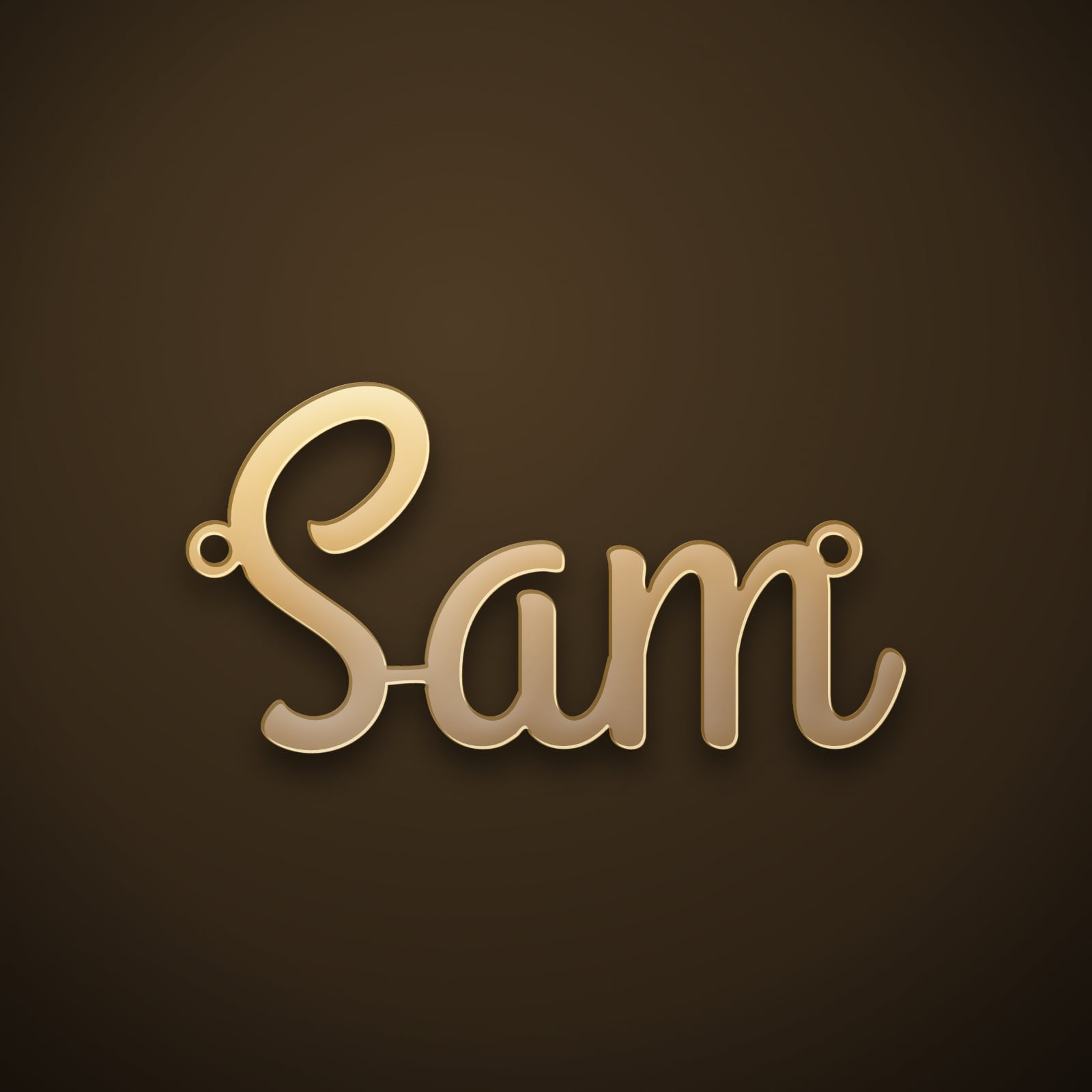
✓ Single piece · SVG + DXF + mockups
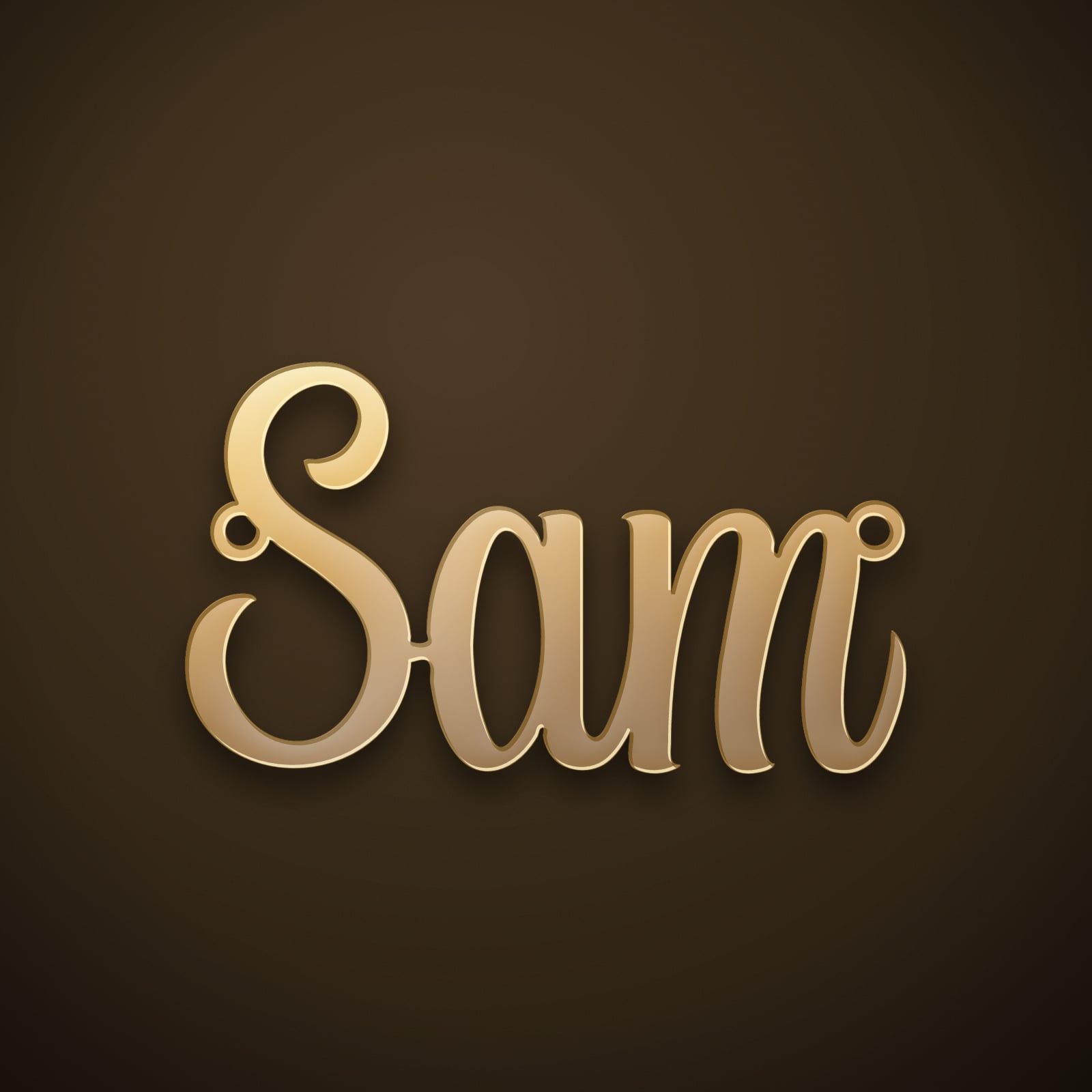
✓ Single piece · SVG + DXF + mockups
What a Cricut can make from a name file
Honest expectations: a Cricut won’t cut brass. What it does beautifully with a single-piece name design is faux-leather name pendants and earrings, shrink-film jewellery (cut large, bake down to pendant size for surprising rigidity), layered cardstock cake toppers, and - the everyday favourite - vinyl name decals for tumblers, phone cases and gift boxes. The same welded outline that makes a good pendant makes vinyl weeding dramatically easier: one connected piece lifts in a single pull.
For a metal version of the same name, your download includes a DXF - any local laser or jewellery shop cuts it from the identical geometry.
Why welded files behave better in Design Space
Upload a font-typed name and Design Space sees a pile of separate letter paths - you end up attaching, welding and regrouping inside the app, and one missed weld means the machine cuts through letter joints. GemTheName files arrive already welded and bridged into one continuous path, verified single-piece before download, so they import as exactly one cuttable shape at true size.
Hindi, Marathi & Gujarati names too
Design Space has no idea how to shape Devanagari or Gujarati text - but it cuts any SVG you give it. Generate the name here with live transliteration (type “priya”, pick प्रिया) and upload the finished single-piece file; the hard script work is already done.
Does the SVG upload directly to Design Space?
Yes - it uploads as a single-layer cut image. No cleaning, welding or attaching needed; it is already one path.
What materials work for actual jewellery on a Cricut?
Faux leather and shrink film are the jewellery favourites; thin craft acrylic needs the Maker’s knife blade and patience. For metal, use the included DXF at a laser shop.
Will it cut at the right size?
The SVG carries true millimetre dimensions. Design Space sometimes normalises sizes on upload, so set the width once (e.g. 40 mm) after inserting - the proportions are locked.
◆ Craft it
One name, one clean cut.
Type any name and download a welded single-piece SVG that uploads straight into Cricut Design Space.